
DynastyU
Three roles, one platform.
Athletes build the profile, coaches recruit from it, and high school programs stand behind it. Here is what the journey looks like from each side.
Tap the card to flip · Front profile · Back details
From download to recruiting conversations
You are the reason the platform exists, and it is free for you. Everything starts in the app.
- 01
Download and create your profile
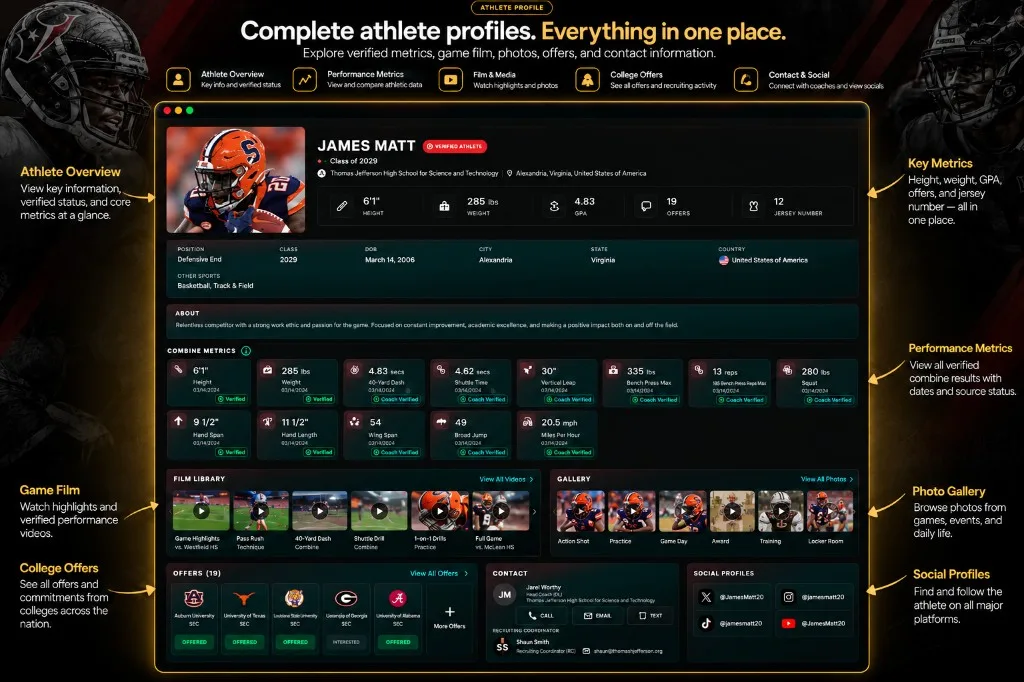
Accounts are made in the app. Add your photo, position, school, graduation year, and measurables.
- 02
Upload your film
Attach video to each metric you claim. This is also what unlocks your ability to request verification.
- 03
Get verified at a camp
Request verification and pick the camp you performed at. Once staff confirm it, the metric is badged DU Verified.
- 04
Show interest and get found
Express interest in programs, appear in coach searches, and track offers as they come in.
Recruit from verified profiles, not spreadsheets
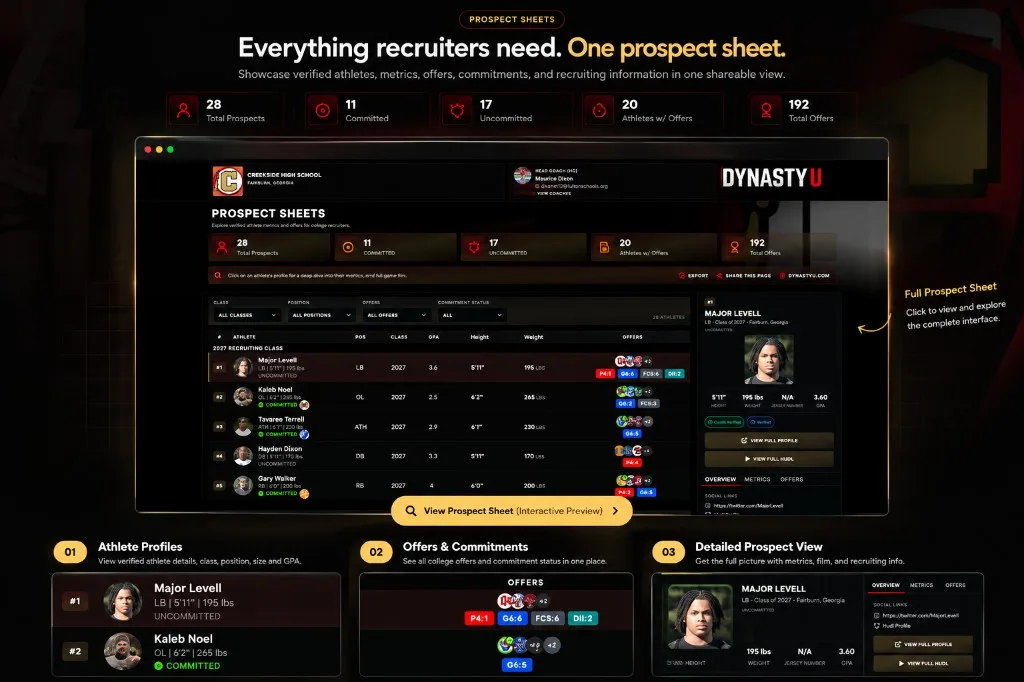
College and high school staff work from the same profiles athletes build, with verification attached.
- 01
Create your coach account
Sign up in the app and identify your program and role.
- 02
Get verified by our team
Coach accounts are reviewed before they can recruit, so athletes know who is viewing their film.
- 03
Search on the measurables that matter
Filter by height, weight, 40-yard dash, position, and class year, then open the film behind each number.
- 04
Build your board and make offers
Keep recruits, prospects, and interested athletes organized, and record offers against real profiles.
Run your roster as a digital locker room
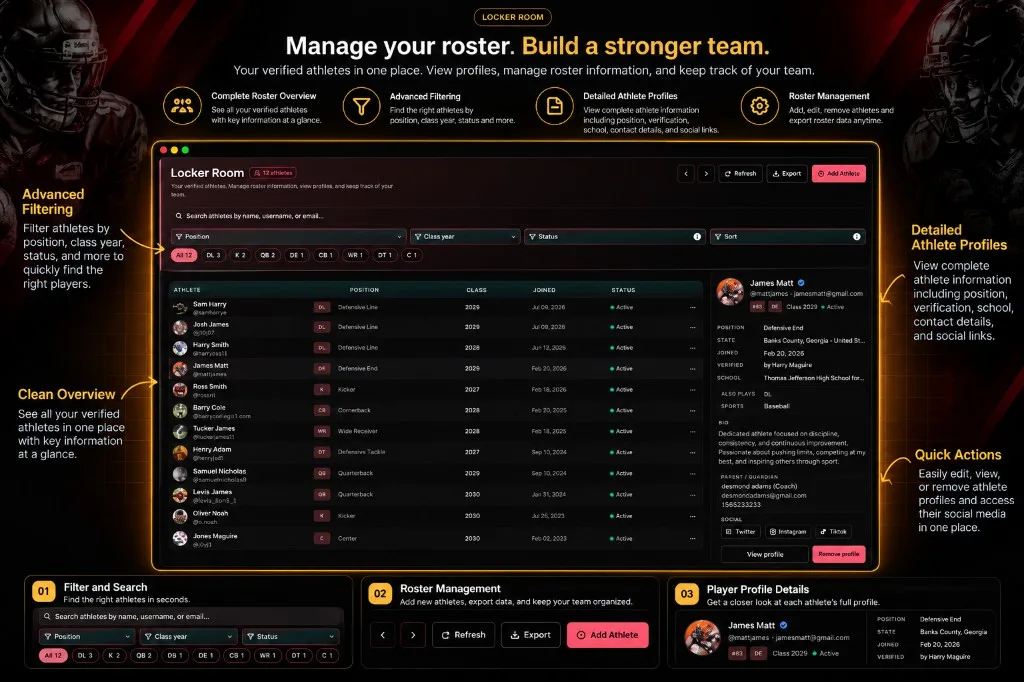
High school programs manage their athletes, verify their skills, and put the whole roster in front of colleges.
- 01
Get your program set up
Talk to us about adding your school so your staff can manage athletes on the platform.
- 02
Bring your roster in
Your athletes create their own profiles; your staff can see them grouped in one roster view.
- 03
Back up their numbers
Support your athletes through camp verification so their measurables carry weight with colleges.
- 04
Get them seen
Verified athletes on a managed roster are what college staff come to DynastyU to find.
And where parents and fans fit
Parents, families, and supporters can join as fans — following athletes, seeing their progress, and staying in the recruiting conversation without needing an athlete or coach account.
The step that ties it together
Verification is what makes an athlete's profile worth a coach's time. It happens at camps, it needs film, and it clears itself if a number changes.
Ready to start?
Whichever side you are on, it begins with the app.
Free for athletes · Grades 9–12